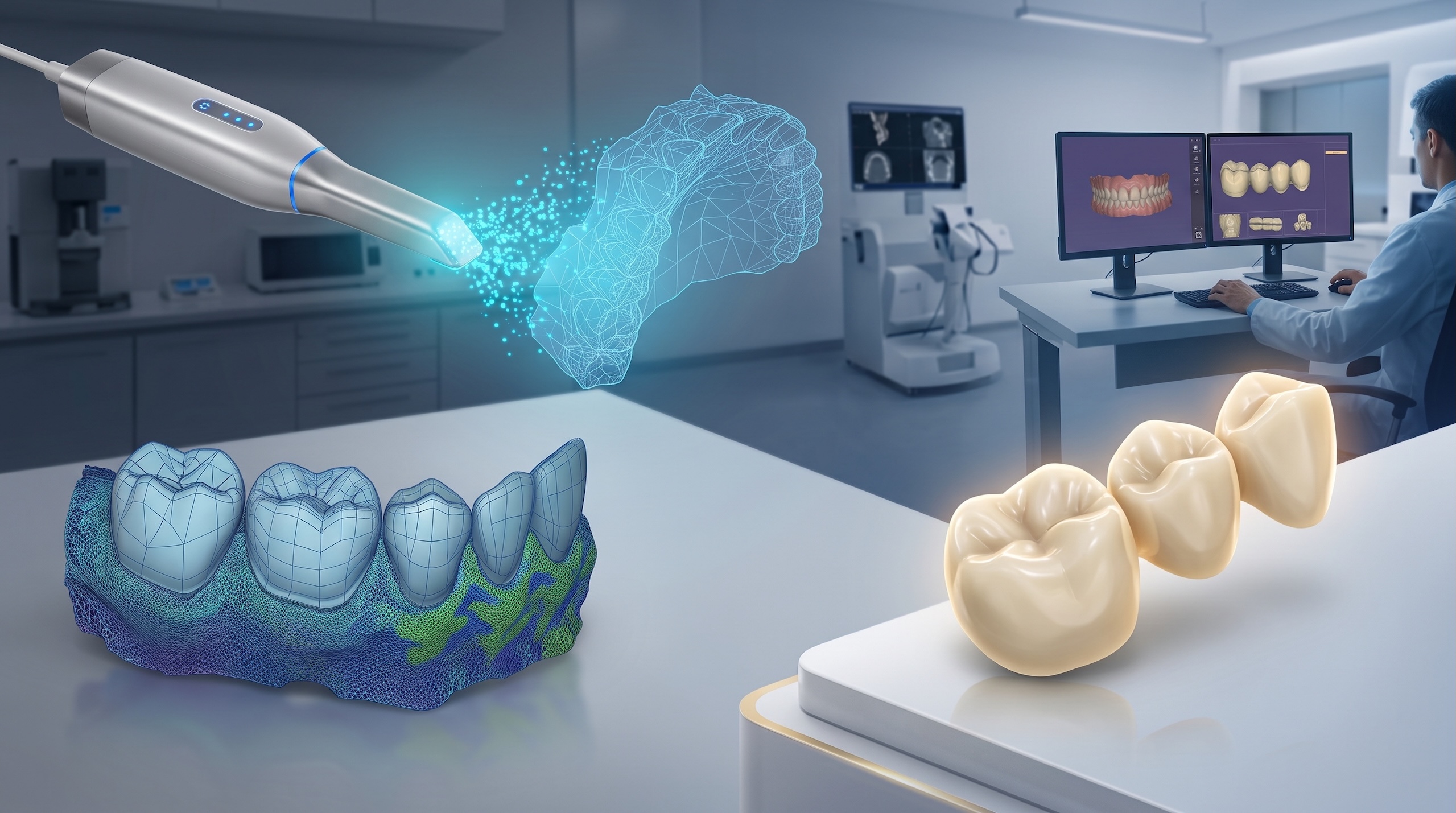
The rapid adoption of intraoral scanners (IOS) has transformed modern restorative dentistry, allowing clinicians to replace messy impression materials with instant, high-definition digital scans. However, purchasing an intraoral scanner only solves half of the digital equation. Without dedicated in-house technicians or time to master complex CAD software, busy practices often face operational bottlenecks between scan capture and final manufacturing. Optimizing your intraoral scan design services through a streamlined digital workflow ensures every scan converts into a precise, milling-ready STL file without slowing down chairside care.
Table of contents
- The chairside dilemma: Digital capture vs. design capacity
- Step-by-step workflow: From intraoral scan to milling-ready STL
- Key requirements for clean STL exports
- Scaling clinical capacity through remote CAD support
- Frequently asked questions (FAQs)
1. The chairside dilemma: Digital capture vs. design capacity
Most intraoral scanners (such as iTero, Medit, 3Shape TRIOS, or Dentsply Sirona) excel at capturing optical impressions in minutes. However, converting those raw 3D mesh files into functional restorations requires specialized computer-aided design (CAD) expertise.
Clinicians typically face three operational challenges after acquiring an intraoral scanner:
- Chairside time constraints: Spending 20 to 30 minutes designing a single crown between patient appointments reduces overall daily clinical output.
- Software licensing costs: Purchasing and maintaining annual subscriptions for full-featured CAD modules (like exocad or 3Shape) increases fixed overhead.
- Design complexity: Complex cases—such as full-contour implant bridges, custom abutments, or nightguards—require advanced technical skills that go beyond basic chairside software capabilities.
By establishing a reliable pipeline to convert raw IOS datasets into validated STL files, practices can focus on clinical care while delegating technical CAD execution.
2. Step-by-step workflow: From intraoral scan to milling-ready STL
Connecting an intraoral scanner to a remote design lab requires a standardized protocol to prevent data loss and ensure marginal accuracy.
[1. IOS Optical Capture] ➔ [2. Open File Export (.STL / .PLY)] ➔ [3. Cloud Submission to WeCAD4You] ➔ [4. Local Milling / Printing]
Step 1: Optical scan capture and margin verification
The clinician captures the preparation, adjacent teeth, and bite registration. Verifying clear, readable preparation margins prior to finalizing the scan is essential for accurate digital die margin detection.
Step 2: Open file export
The optical dataset is exported from the scanner’s native software in an open format—typically .STL (monochrome geometry) or .PLY (color surface data).
Step 3: Cloud transmission and CAD execution
The open scan files are uploaded to a remote design service alongside clinical instructions (shade, material choice, and occlusal clearance preferences).
Step 4: Verification and local production
The completed restoration file is returned as a milling-ready STL file, fully verified for production on local chairside mills or 3D printers.
3. Key requirements for clean STL exports
To achieve accurate restoration fit and eliminate seating adjustments, digital files submitted for intraoral scan design services must meet specific quality criteria:
- Complete arch coverage: Ensure adjacent contact points and opposing occlusal surfaces are fully captured without holes or mesh tear-outs.
- Clear soft tissue isolation: Retract gingival tissue effectively so the finish line (preparation margin) is completely visible in 3D.
- Static and dynamic bite registration: Capture a stable interocclusal record to prevent high spots during occlusion design.
- Uncompressed open formats: Export uncompressed STL or PLY files to maintain high-resolution mesh surface details.
Turn your intraoral scanner into a revenue engine
Don’t let your intraoral scanner sit idle or consume valuable chairside time with tedious design work. At WeCAD4You, we specialize in turning raw intraoral scans into high-precision, milling-ready STL files. Partner with our certified exocad team and unlock instant design capacity for your practice or dental laboratory:
- Universal Scanner Compatibility: We accept open STL and PLY files from all major scanners (iTero, Medit, TRIOS, Carestream, Primescan).
- 24-Hour Turnaround: Receive your completed restoration designs overnight, ready for morning milling or printing.
- Seamless Vevi Tracking: Monitor every case live from submission to final file delivery without paying extra software fees.
🚀 You scan. We design. You mill. 👉 [Click here to claim your first free trial design with WeCAD4You]
4. Scaling clinical capacity through remote CAD support
While the clinical benefits of guided surgery are indisputable, managing complex surgical planning in-house poses operational cOutsourcing CAD design to an external ios to stl design laboratory allows clinics to maximize their technology investment without expanding staff headcount.
Key strategic benefits include:
Consistent aesthetic quality: Ensure every restoration—from single crowns to full-mouth rehabilitations, is crafted by dedicated exocad technicians.
Predictable operational costs: Pay per design case rather than committing to fixed monthly salaries or software updates.
Higher clinical throughput: Reinvest saved design hours into seeing more patients and performing high-value treatments.
5. Frequently asked questions (FAQs)
Which intraoral scan file formats does WeCAD4You accept?
We accept all standard open 3D formats, including STL, PLY, and OBJ files exported from any intraoral or desktop scanner brand.
What is the typical turnaround time for an intraoral scan design?
Our standard turnaround time is 24 hours. Cases submitted at the end of the clinical day are typically designed overnight and delivered ready for manufacturing the following morning.
Can I mill the delivered STL file on my own in-office milling machine?
Yes. We deliver 100% open, validated STL files calibrated to your specific milling machine or 3D printer parameters, material shrinkage factors, and bur sizes.
Conclusion: Maximize your digital investment
Investing in an intraoral scanner is the first step toward modernizing your clinical workflow. Partnering with a dedicated remote CAD service completes the ecosystem, turning raw digital impressions into precise, high-quality restorations with zero administrative friction.
Ready to streamline your intraoral scan design services? Connect with WeCAD4You today and elevate your digital production capacity.
👉 [Contact WeCAD4You today and get your first trial design completely free]